 Make it count
Your workdeserves a betterfirst impression.

A clearer way for founders to review product work, and for designers to present it like it's already shipped.
Join waitlist
A clearer way for founders to review product work, and for designers to present it like it's already shipped.


 Make it count
 No more imagining
 Made by one of you.

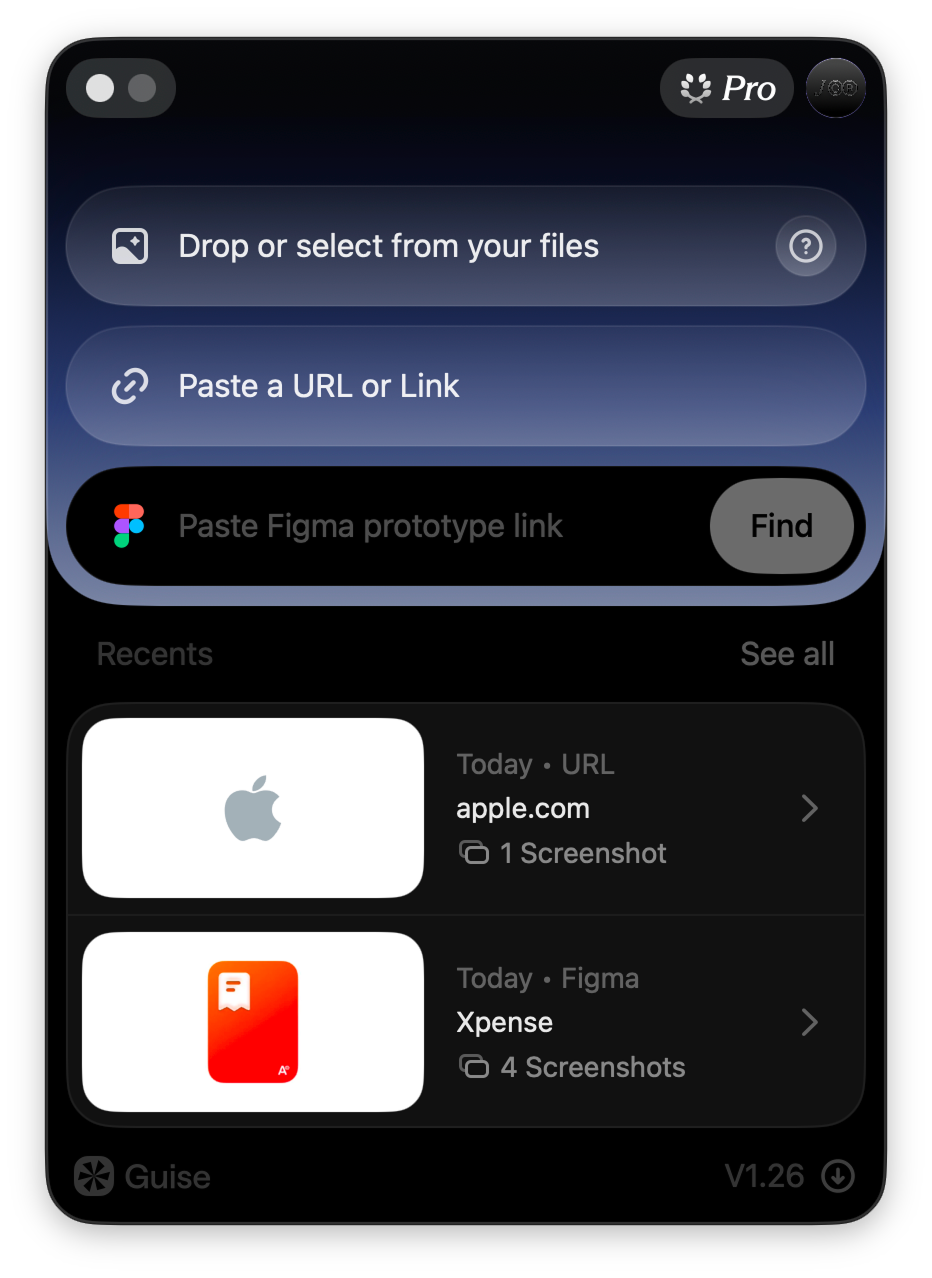
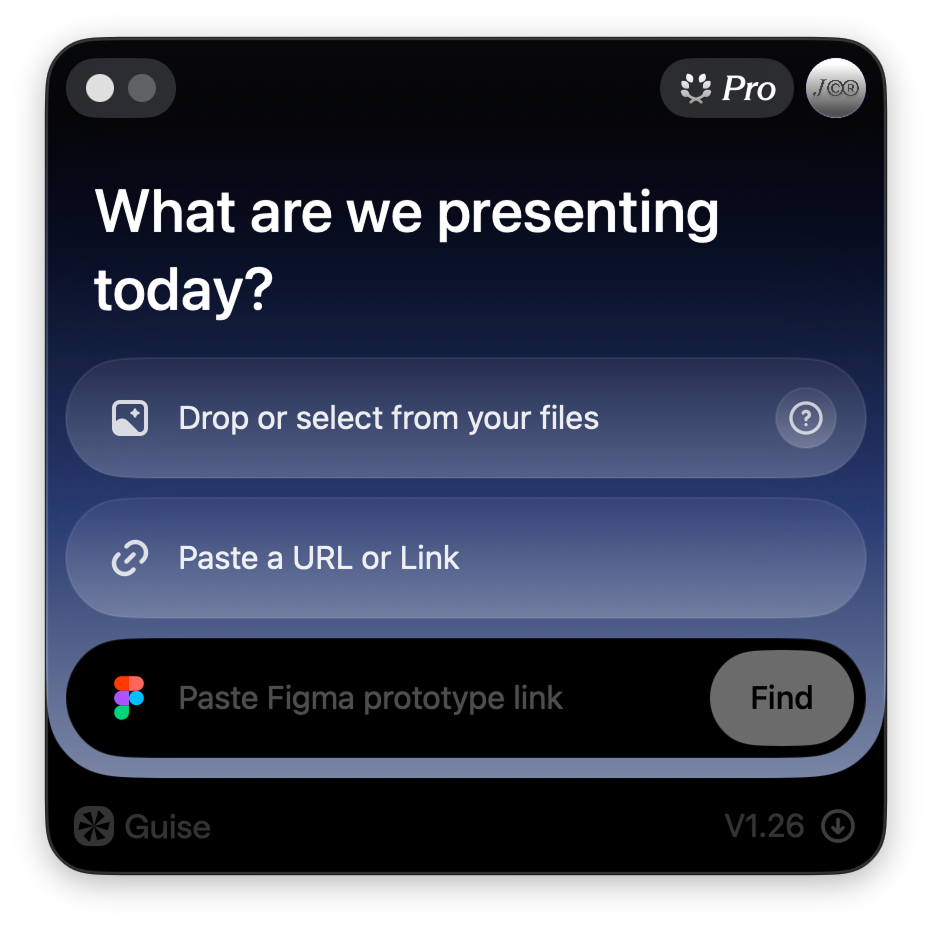
 Live Figma prototypes
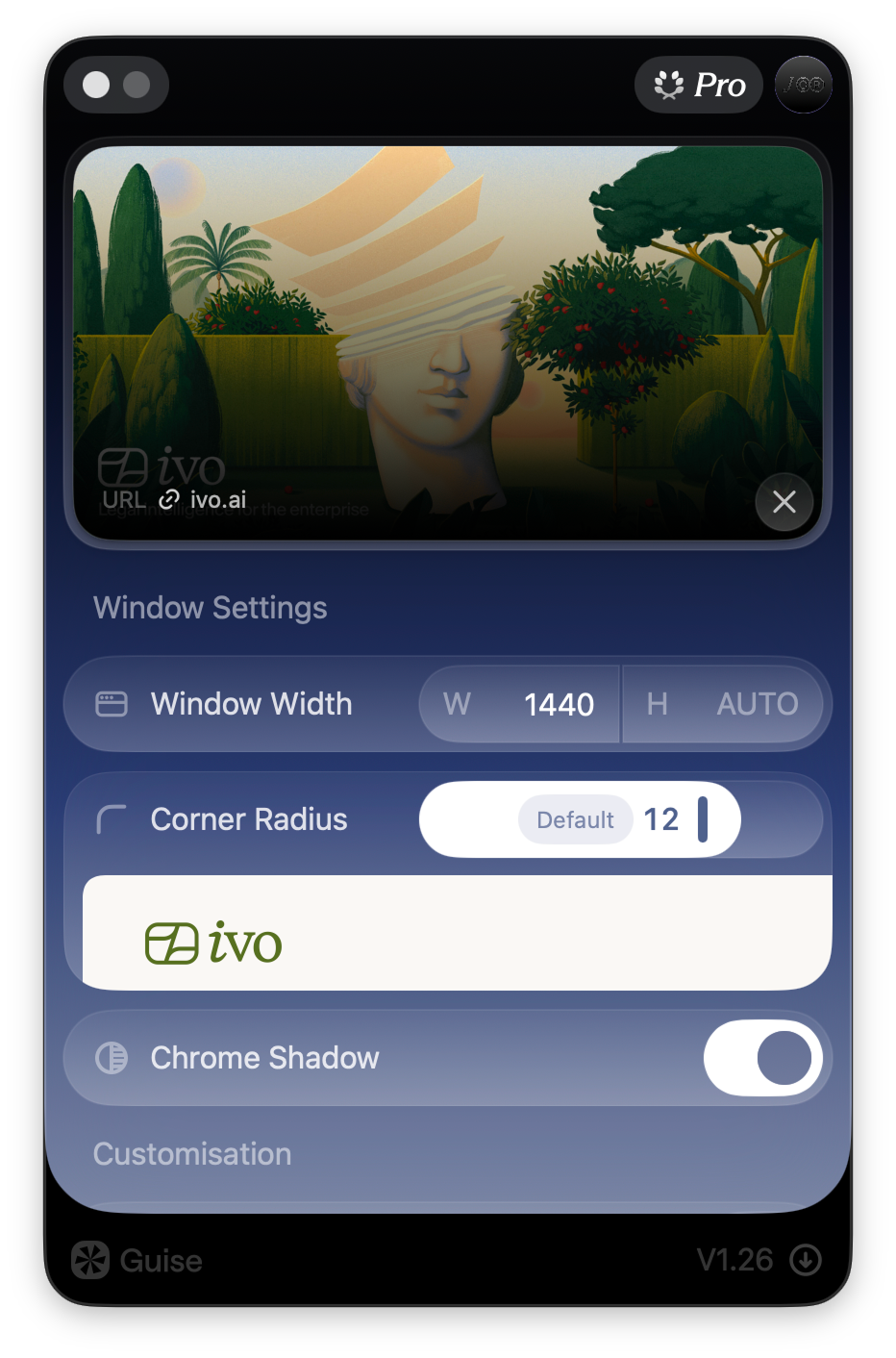
 Designs → real windows
 Any URL, framed clean
 The rest of Guise
It moves the way it should. Panels glide into place, controls respond naturally, and every transition feels effortless. Nothing interrupts your flow. The motion is so smooth you stop noticing the interface and stay focused on the work in front of you.
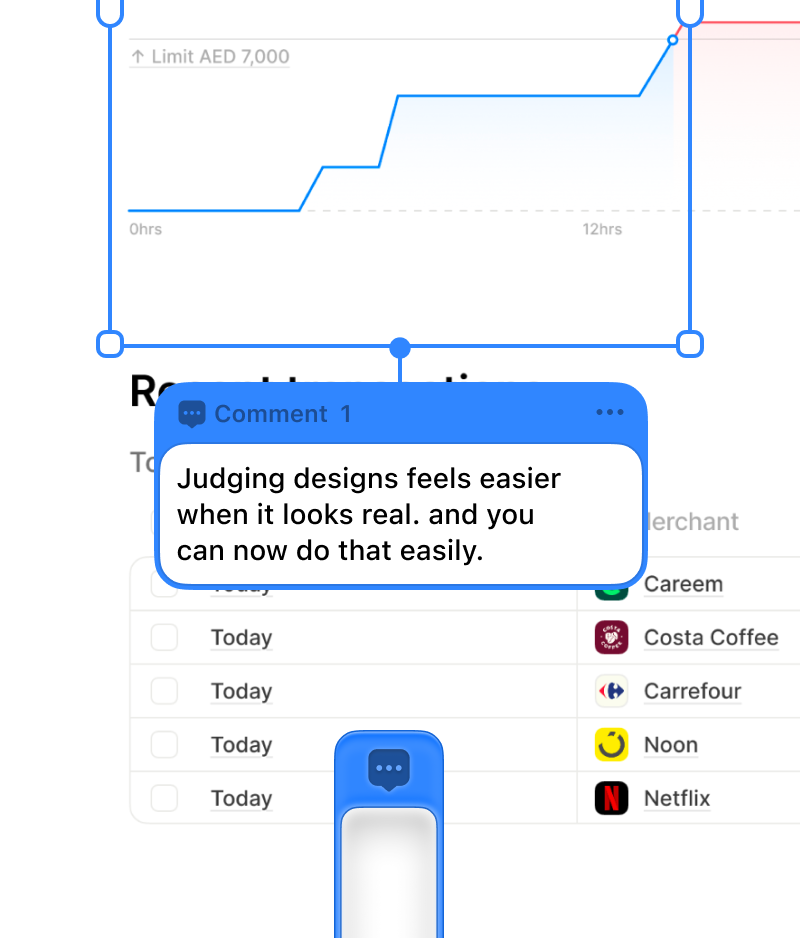
No more "the top part, kind of." Select the exact area you mean and drop a comment right there. It stays anchored to that region, so nobody has to guess which part you're talking about. Write as much as you need. The card sits open next to the design instead of hiding behind a pin, so whoever reads it sees your words and the spot at the same glance.
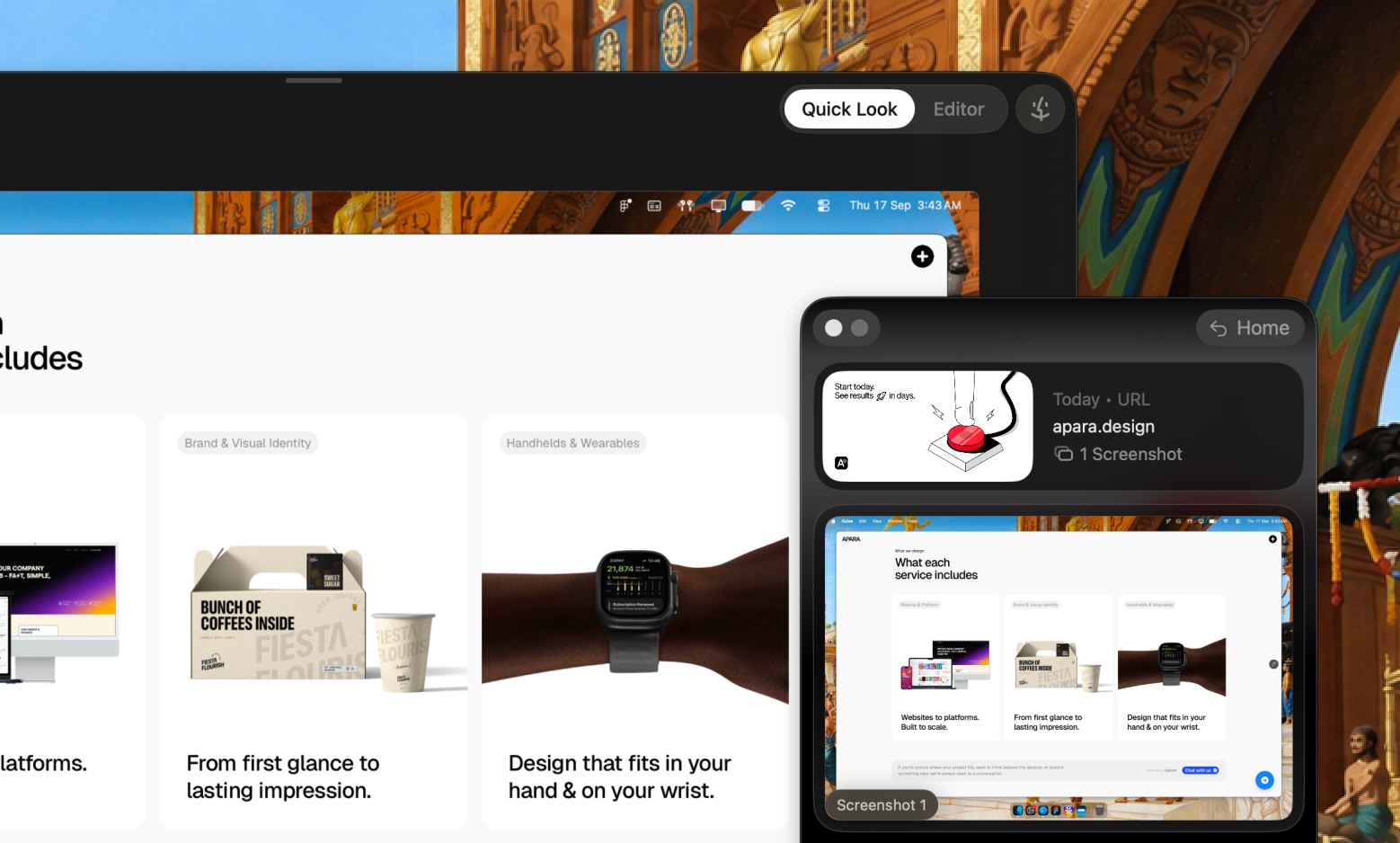
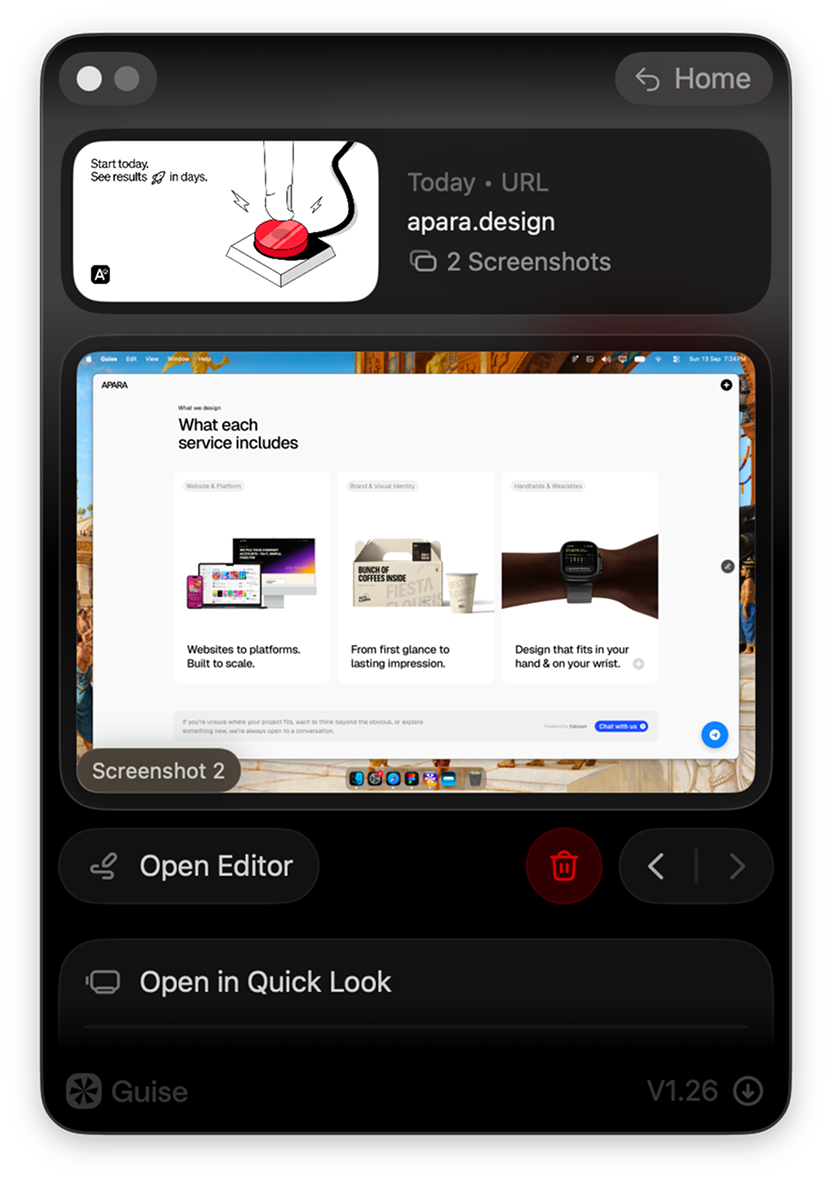
A closer look, without leaving the app. Open any shot full size to check it properly, the way you would in Preview. If something needs a note, switch to Editor right there and mark it up. No opening files elsewhere, no losing your place in the session.
Easy control over the screenshots you take. Delete a single screenshot or clear a whole session, straight from the app. Sessions clean themselves up after 30 days by default, and you can change that to 10 days or keep them until you decide, from Settings. Nothing goes without a slide to confirm, and everything lands in Trash rather than disappearing.
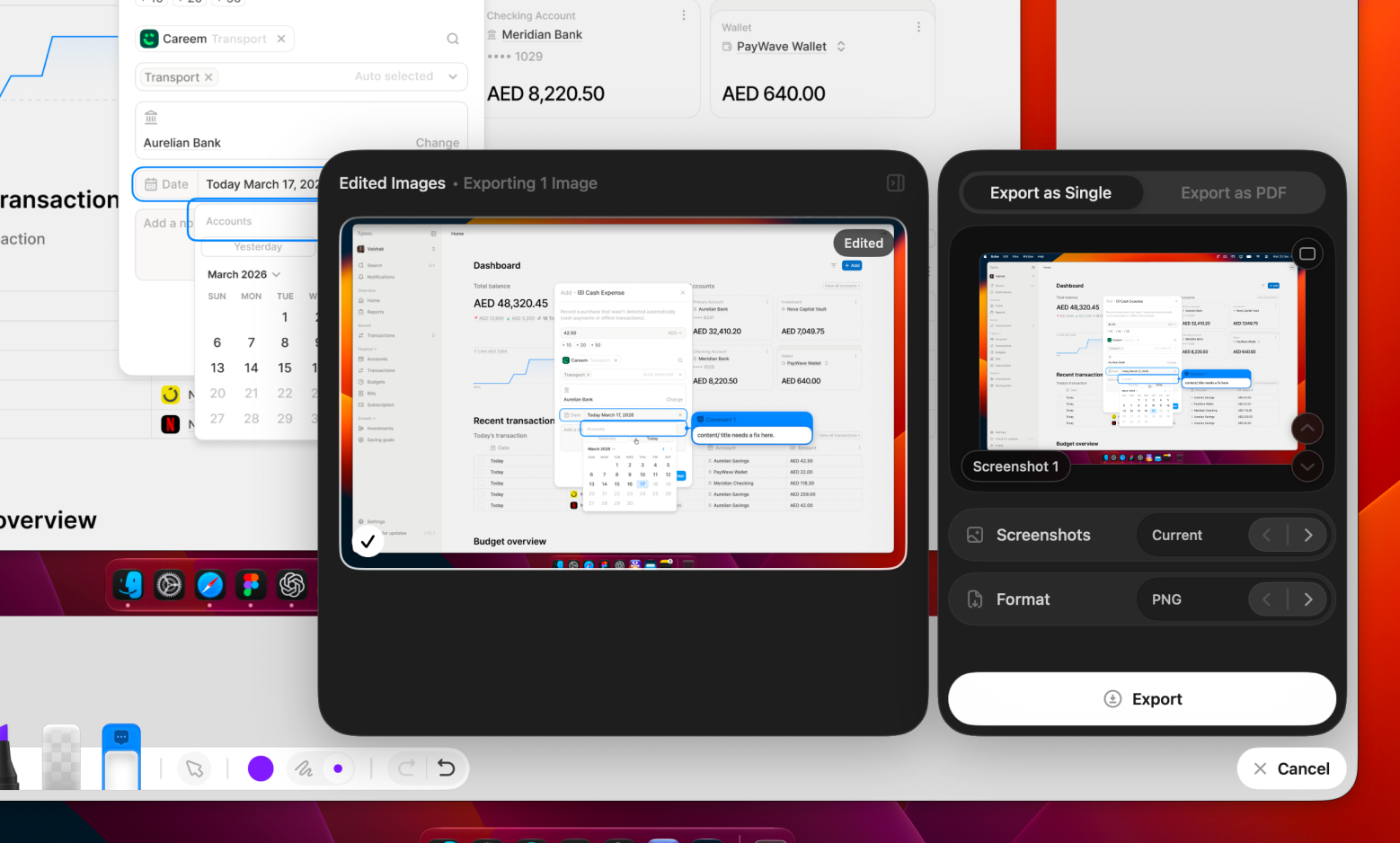
Stop sending files one by one. Mark up as many screens as you need, then export the whole set together. One PDF with every screen and its comments in order, or single images if that fits the conversation better. It all goes back as one thing, not a folder of files someone has to piece together.

Only what's needed, nothing more. Guise asks for two macOS permissions, each for one narrow job. They stay active only while you're presenting, nothing you type is ever read, and no audio or video is recorded. Both are explained in the app before you decide.
The rest of GuiseIt moves the way it should. Panels glide into place, controls respond naturally, and every transition feels effortless. Nothing interrupts your flow. The motion is so smooth you stop noticing the interface and stay focused on the work in front of you.
No more "the top part, kind of." Select the exact area you mean and drop a comment right there. It stays anchored to that region, so nobody has to guess which part you're talking about. Write as much as you need. The card sits open next to the design instead of hiding behind a pin, so whoever reads it sees your words and the spot at the same glance.
A closer look, without leaving the app. Open any shot full size to check it properly, the way you would in Preview. If something needs a note, switch to Editor right there and mark it up. No opening files elsewhere, no losing your place in the session.
Easy control over the screenshots you take. Delete a single screenshot or clear a whole session, straight from the app. Sessions clean themselves up after 30 days by default, and you can change that to 10 days or keep them until you decide, from Settings. Nothing goes without a slide to confirm, and everything lands in Trash rather than disappearing.
Stop sending files one by one. Mark up as many screens as you need, then export the whole set together. One PDF with every screen and its comments in order, or single images if that fits the conversation better. It all goes back as one thing, not a folder of files someone has to piece together.
Only what's needed, nothing more. Guise asks for two macOS permissions, each for one narrow job. They stay active only while you're presenting, nothing you type is ever read, and no audio or video is recorded. Both are explained in the app before you decide.
 One price · One time, not every month
$ 0.00
Everything you need to start presenting beautifully.
$ 8.9912.99
Unlimited presenting with a complete visual-feedback workflow.
One price · One time, not every month Supported across all Mac devices
 Made for Apple Silicon devices running macOS 14 or later
 One-time purchase with free future updates
$ 0.00
Everything you need to start presenting beautifully.
 Present images in full resolutionOpen live websites and web appsPresent interactive Figma prototypes6 source launches every monthCustom window size and design dimensionsAdjustable corner radius and window shadowDistraction-free Presentation ModeFull-resolution screenshot captureOrganized sessions with Quick Look and Finder access
 Launch Offer
$ 8.9912.99
Unlimited presenting with a complete visual-feedback workflow.
 Everything included in Starter
 Unlimited images, websites, and Figma prototypesSign in to supported web appsBuilt-in screenshot editorAdd numbered comments and annotationsDraw with markers and highlightersBlur sensitive or unfinished contentDuplicate screenshots for clearer feedbackShow or hide the cursor in screenshotsExport individual annotated imagesExport complete sessions as ordered PDFs
 Questions, answeredQuestions, answered
Guise is a macOS presentation and review tool for founders, designers, clients, and product teams. It turns screenshots, live websites, localhost projects, and Figma prototypes into realistic product windows, so people can experience the work, capture the exact screen they mean, and respond to something that already feels real.


